What is this?
This gateway bridges Bluesky and XMPP (Jabber): subscribe to accounts and hashtags and receive their posts directly in your XMPP client — no browser, no app required.
Setup
1
Add the bot
Add anything@bluesky.yerl.org to your contacts. Replace anything with any name you like — this lets you run multiple instances for different topics (e.g. news@bluesky.yerl.org, cats@bluesky.yerl.org).
2
Get help
Send help to the bot — it will reply with all available commands.
3
Subscribe to accounts
Send s @handle.bsky.social or a full Bluesky profile URL to start receiving posts.
Commands
| Subscriptions | |
| l | List active subscriptions |
| s <handle> | Subscribe to an account |
| u <handle> | Unsubscribe from an account |
| ts <tag>[,<tag>] | Subscribe to hashtag(s) — all listed tags must appear in the post |
| tu <tag>[,<tag>] | Unsubscribe from hashtag(s) |
| https://bsky.app/profile/… | Subscribe directly via Bluesky profile URL |
| Delivery control | |
| pause | Stop post delivery (missed posts will not be resent) |
| unpause | Resume post delivery |
| status | Show current delivery status |
| Appearance | |
| color <0–257> | Change avatar color (256-color scheme; ID 257 = original Bluesky blue). Useful to visually distinguish multiple bot contacts. |
| remove [i][t][v][e] | Filter out content types: i=images, t=text, v=video, e=embeds. Combinable, e.g. remove te |
| show_remove | Show current filter configuration |
Examples
📰 Follow news accounts
- Add bot contact:
news@bluesky.yerl.org s @spiegel.des @cnn.comremove iv— text only, no images or videos
🐱 Get cute animal pictures
- Add bot contact:
cuteanimals@bluesky.yerl.org ts cute,catts cute,sealremove et— images and videos only, no text
Limitations
- Reposts are not supported — they are only referenced in the Bluesky firehose, not included as full posts.
- Only root posts are delivered — replies and comments are filtered out.
- Renamed or deactivated accounts cannot be unsubscribed.
Screenshots
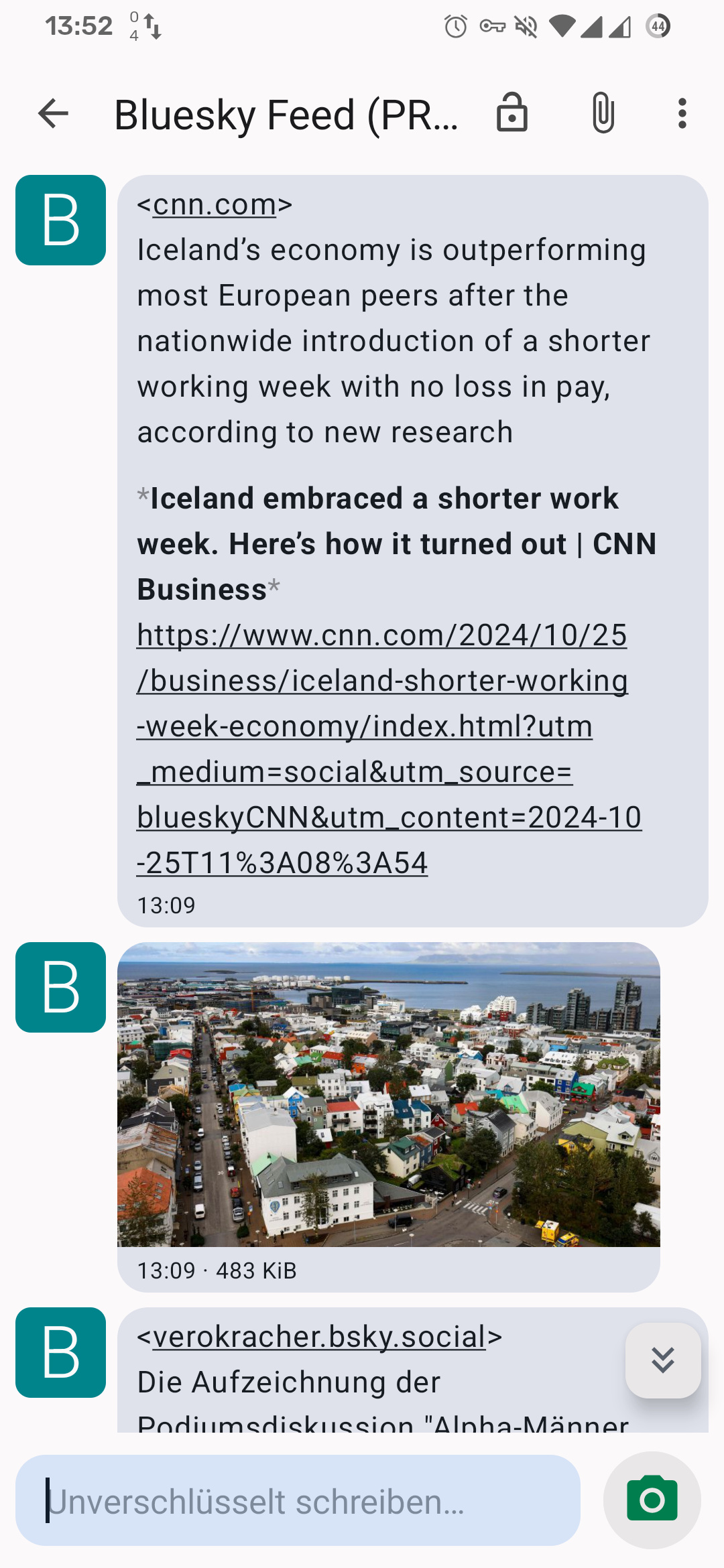
Mobile
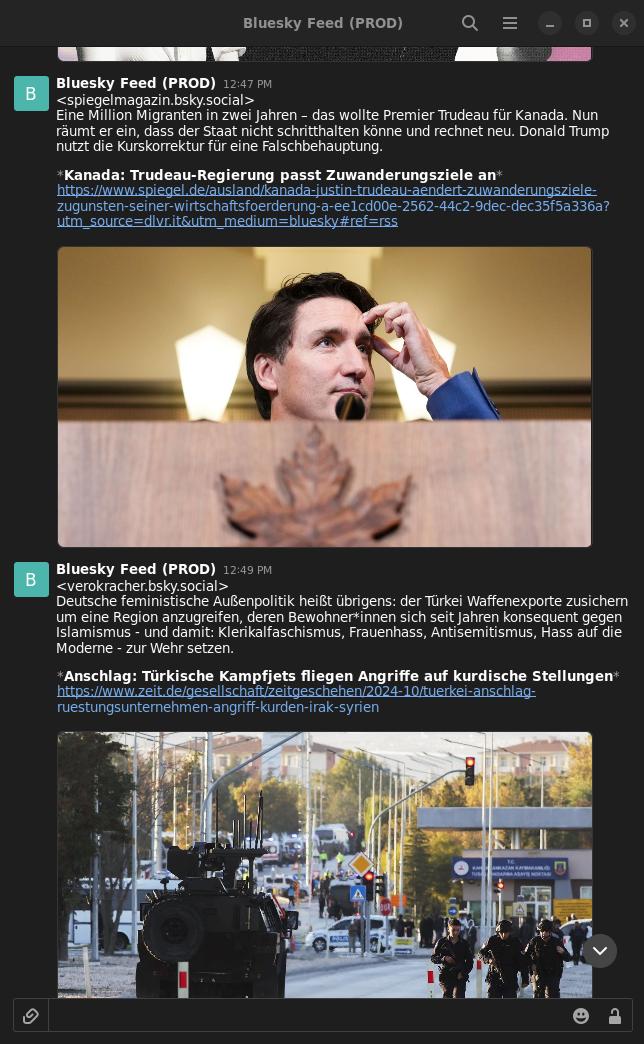
Desktop
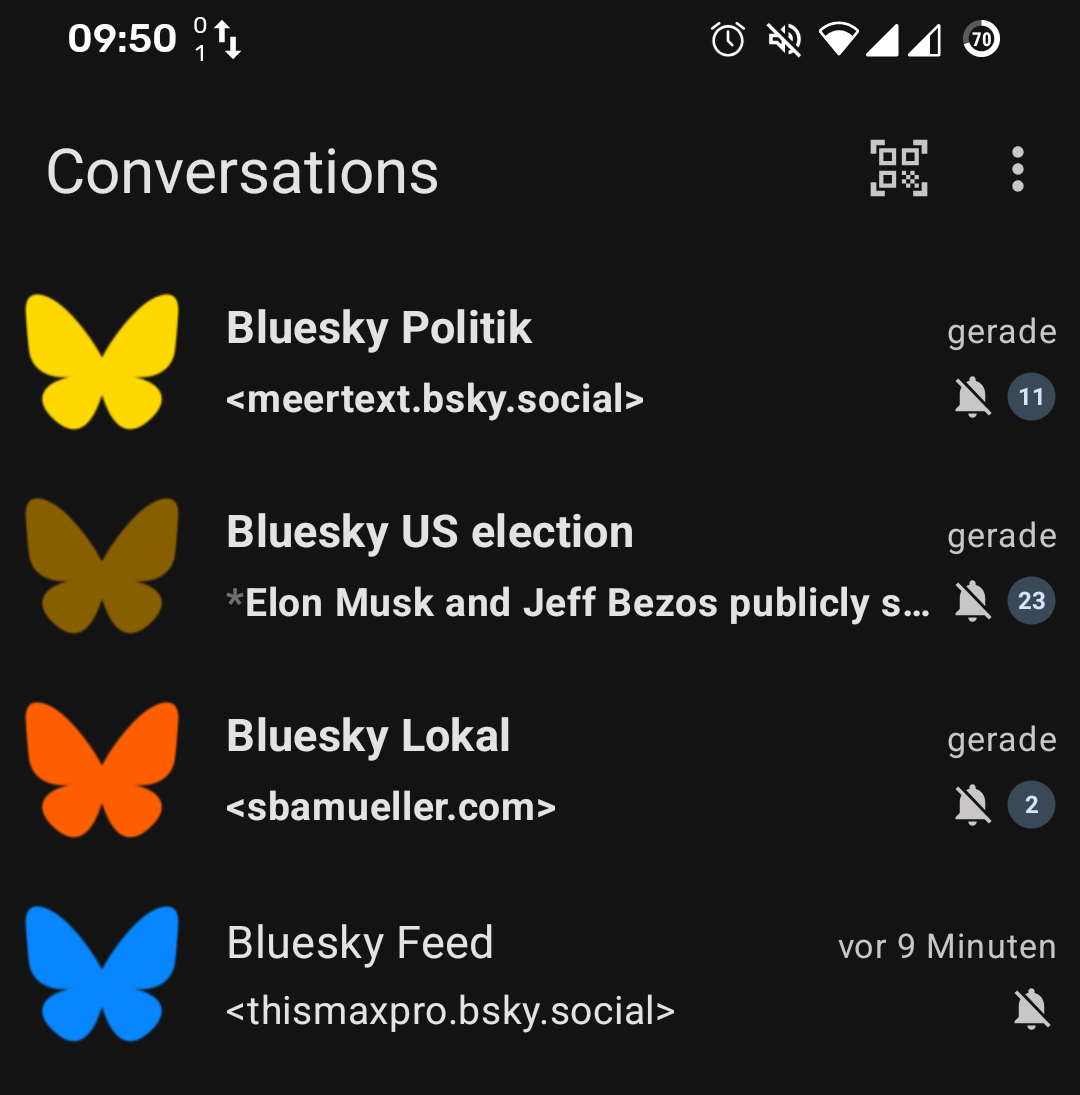
Avatar colors